Free Chrome extension for Netflix
IMDb ratings, right on Netflix.
See the IMDb score on Netflix shows and movies while you browse. No new tabs. No searching. No sign-up.
MOS works in Chrome on a computer. Open this page there to add it.
myownsubtitles.com/imdb

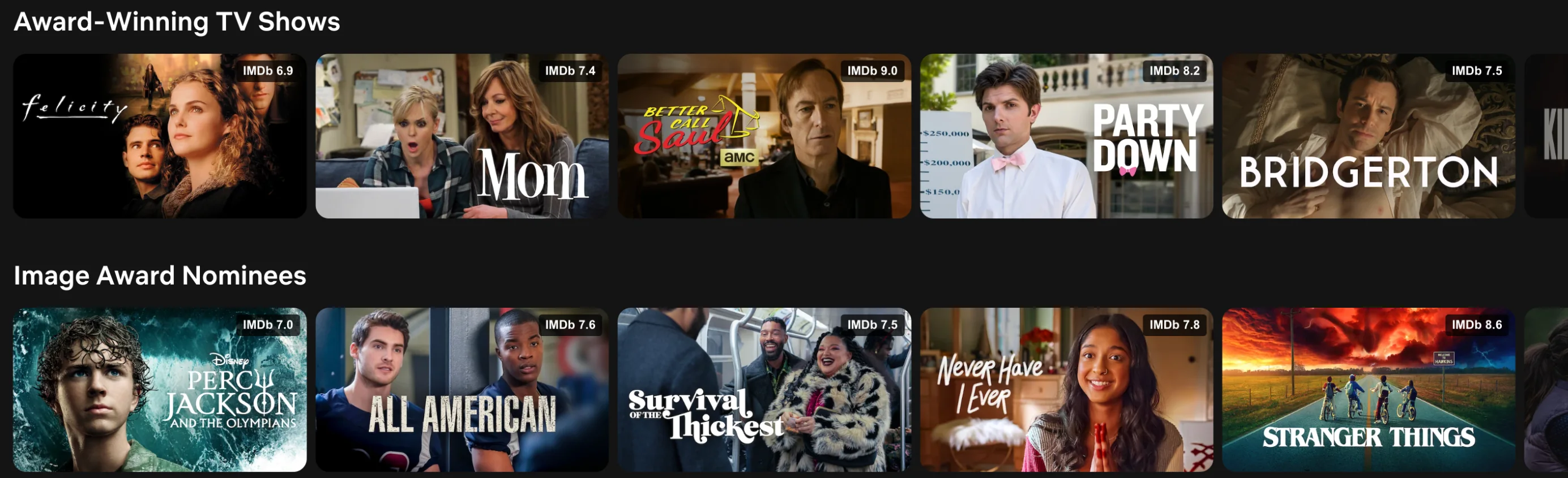
Open a title. The score is right there.
Click any show for more info. The IMDb score sits right above the story. Click it to open the IMDb page.
Want to know where else it is on Netflix? Click “Find regions.”
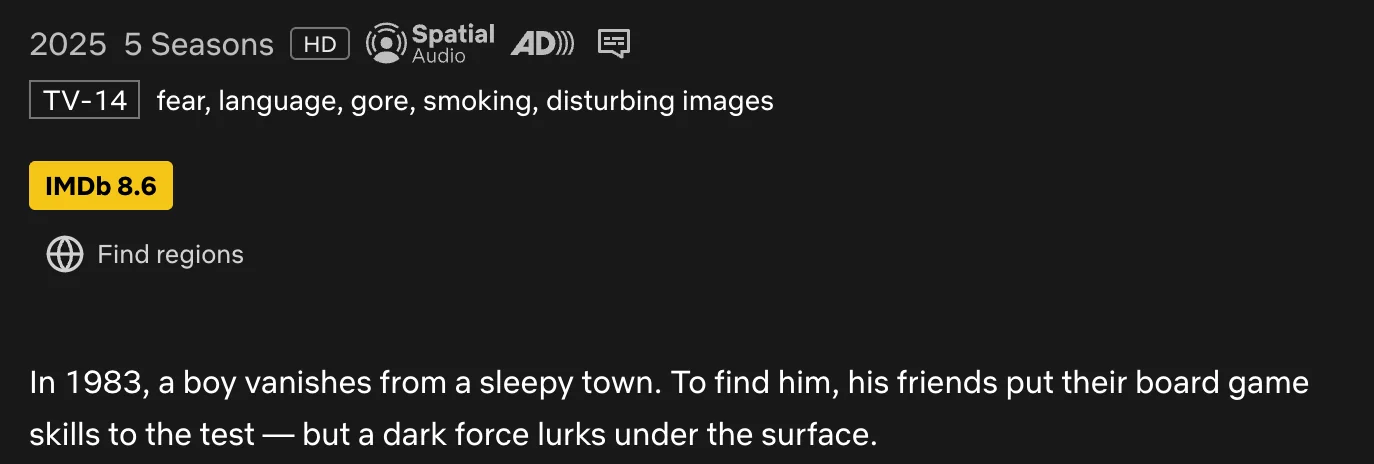
Same name. Different show. Right score.
Netflix has many titles with the same name — remakes, live-action versions, old classics. MOS checks the year, the type, the director and the cast. So the score you see is for the show in front of you.
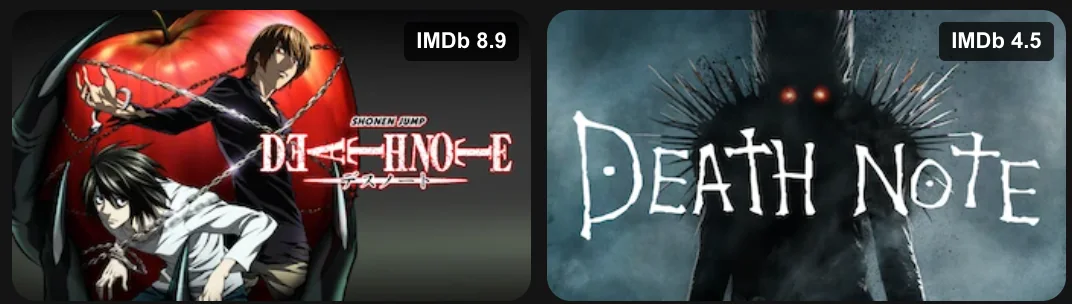
Death Note
Anime series · 2006
Death Note
Netflix film · 2017
Two titles called Death Note. Two very different scores.
Three steps. That’s it.
- 1
Add MOS to Chrome.
- 2
Open Netflix.
- 3
IMDb scores show up on their own.
No account. Nothing to set up.
Questions
- Is it free?
- Yes. IMDb ratings in MOS are free, and you don’t need an account.
- Where do the scores come from?
- From IMDb’s own data. MOS updates it every week.
- Why do some titles have no score?
- Some titles are brand new or not on IMDb, and a few are not matched yet. Then MOS shows nothing. It never guesses.
- Can I turn it off?
- Yes. In MOS settings, turn off “Show IMDB Rating” to hide the scores on posters.
- Where does it work?
- In Google Chrome on your computer, on Netflix in any country. It does not work in the Netflix phone or TV apps.
Find something good tonight.
MOS works in Chrome on a computer. Open this page there to add it.
MOS also translates Netflix subtitles into your language. See how →